Auto-reply
Trigger automatic replies on first message, keyword, or time window.
The auto-reply rule engine watches incoming WhatsApp messages and fires a reply when a rule matches. Rules are composable: each one has a trigger, optional conditions, and an action.
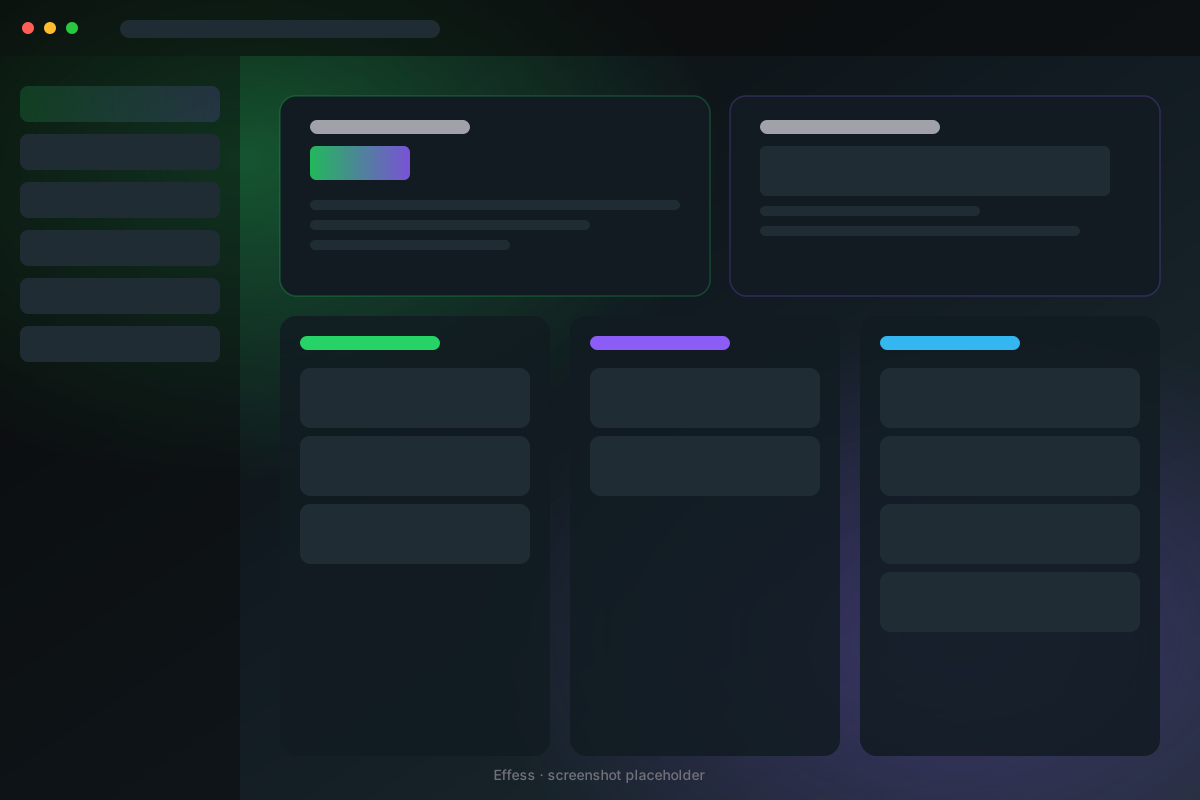 Auto-reply rule editor
Trigger types
- First message — fires once when a brand-new contact messages you.
- Keyword — match any of N keywords in the incoming message body (case-insensitive, regex optional).
- Off-hours — if the message arrives outside a defined business-hours window.
Conditions
Stack any number of these:
- Contact has tag X (or doesn't have tag Y).
- It's been more than N minutes since your last outbound message in this chat.
- The chat is/isn't a group.
- The day matches a list (e.g. weekends only).
Actions
Each rule can:
- Send a text reply (with variables:
{name},{first_name}). - Send a template.
- Add a tag to the contact.
- Move a deal to a kanban stage.
- Fire a webhook with the incoming message payload.
Build a "welcome" rule
- Tools → Automations → + New rule.
- Trigger: First message.
- Action: Send template "Welcome — what's your name?". Also add tag
new-lead. - Save.
The next time a new number messages you, they'll get the welcome reply within seconds, and the chat will be tagged new-lead so your inbox filter highlights it.
Off-hours auto-responder
- Trigger: Off-hours → define your hours (e.g. Mon-Fri 9 AM – 7 PM, IST).
- Action: Send template "Thanks! I'm offline. Will reply Mon morning.".
- Optionally add: only if it's been >2h since last outbound (so you don't spam).
Limits
- Hard cap of 100 auto-replies per hour per number to avoid loops.
- Effess detects message echoes (same body in <5s) and skips them.
- All rules can be paused with a single master toggle.