
Pipeline kanban
Arrastra negocios entre etapas. Visualiza tu flujo de ventas.
🌐 Traducción en progreso. El contenido a continuación aún está en inglés. ¿Quieres ayudarnos a traducirlo? Escribe a
[email protected].
The kanban view turns WhatsApp into a visual sales pipeline. Each card is a deal linked to one or more chats; columns are stages; drag-and-drop changes the stage instantly.
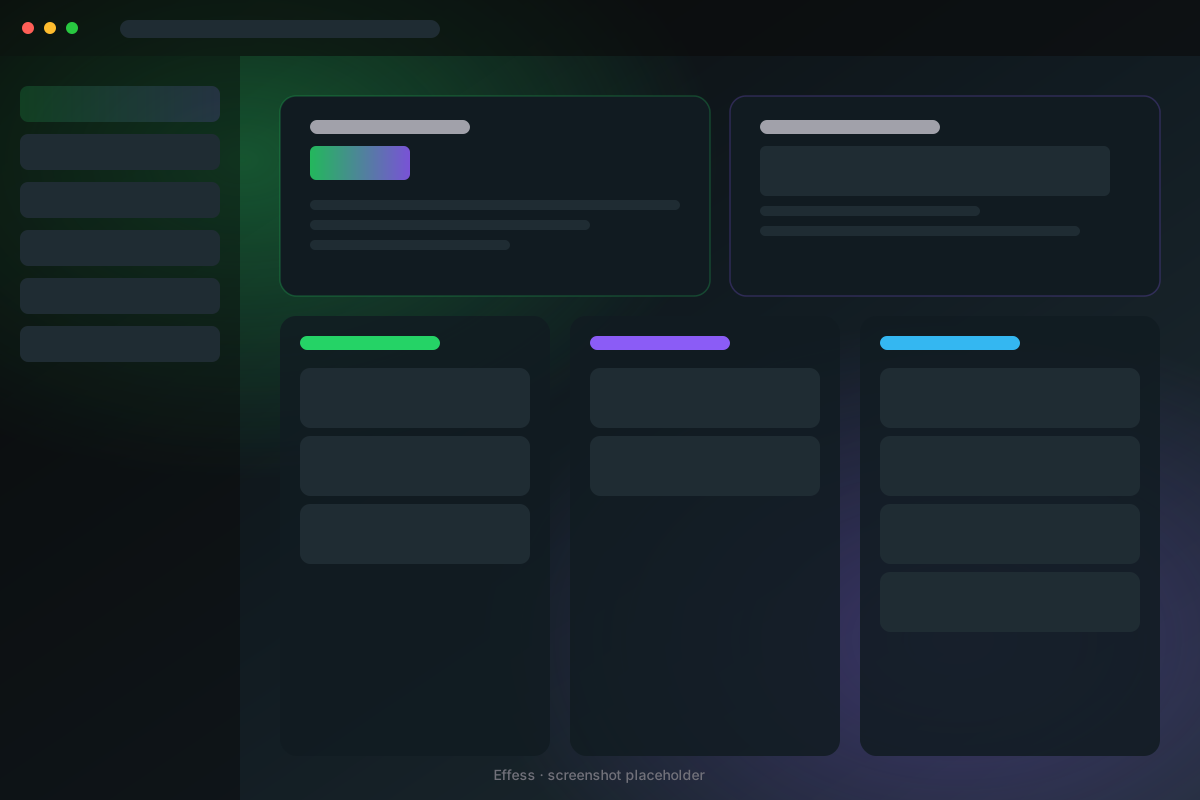 Kanban pipeline with three columns
The default pipeline
When you first open Kanban, Effess seeds a standard 5-stage pipeline:
- New lead
- Contacted
- In negotiation
- Won
- Lost
You can rename, reorder, color-code, add, or delete columns from Pipeline settings.
Create a deal
There are two ways:
- From a chat — Inbox → open contact drawer → Create deal — fills the contact in automatically.
- From Kanban — Click + New deal at the bottom of any column.
A deal has: title, value, currency, expected close date, linked contacts, notes, custom fields.
Move a deal
Just drag the card to another column. The deal's stage and stage_changed_at fields update automatically. Use this as raw material for analytics later.
Pipeline view tips
- Press F to toggle full-screen (a dedicated tab opens at
chrome-extension://.../kanban.html). - Hold Shift while dragging to drop into a different pipeline, not just column.
- Cards turn amber if untouched for 7 days, red if 14 days. Tune the threshold in settings.
Multiple pipelines
Some teams want separate pipelines for Sales, Support, and Recruitment. Pipeline settings → + New pipeline. Switch between them from the dropdown in the top-left.